Back to blog
Shopee Guide4 min read
How to Browse ToyLandia on Shopee by Category
Shopee can feel overwhelming when a shop has many items. Category browsing helps customers move faster from idea to checkout.
Answer first
The fastest way to browse ToyLandia on Shopee is to start by category, then open the product listings that match your buying purpose.
Key takeaways
- Use Collectibles for the widest selection.
- Use Educational Toys for learning and activity-based gifts.
- Use Dolls, Electronic Toys, and Family Games when the buyer already has a toy type in mind.
01
Start with the reason you are buying
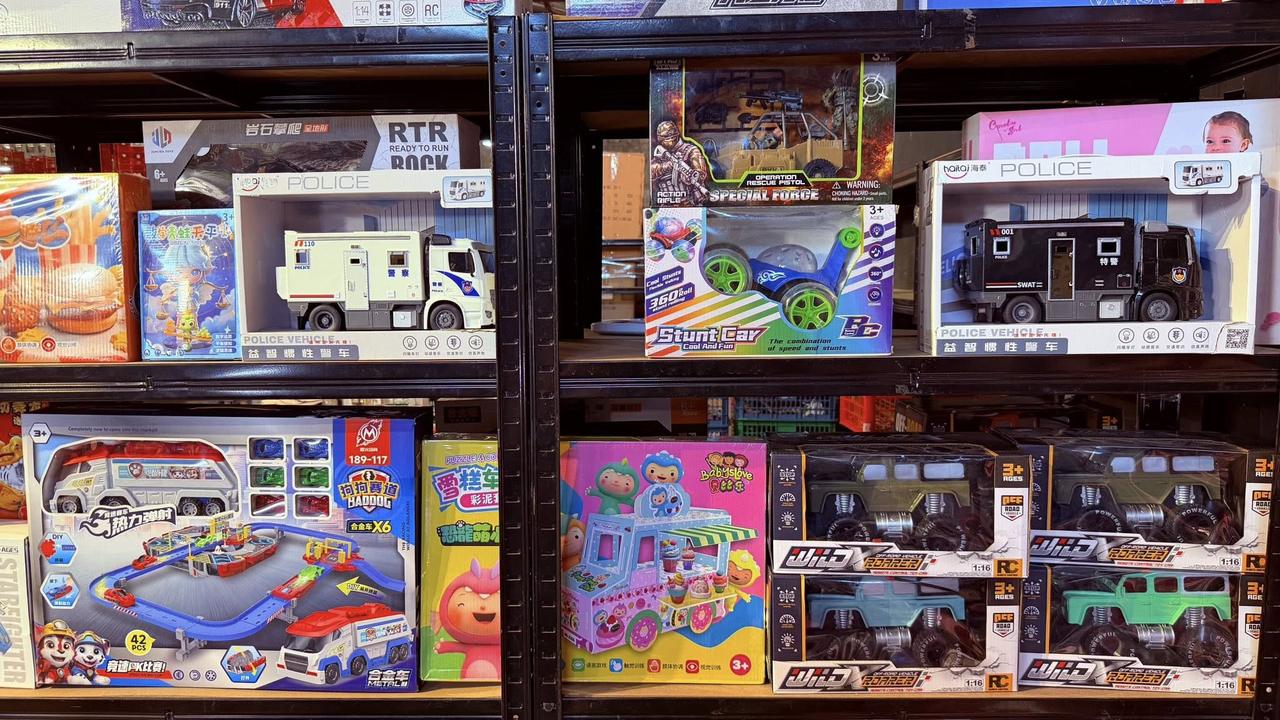
The best category depends on why the customer is shopping. A parent buying one gift needs a different path from an event buyer preparing dozens of giveaways.
ToyLandia's website should help customers choose the right direction first, then hand them off to Shopee for checkout and current stock.
02
Use the category that matches the toy type
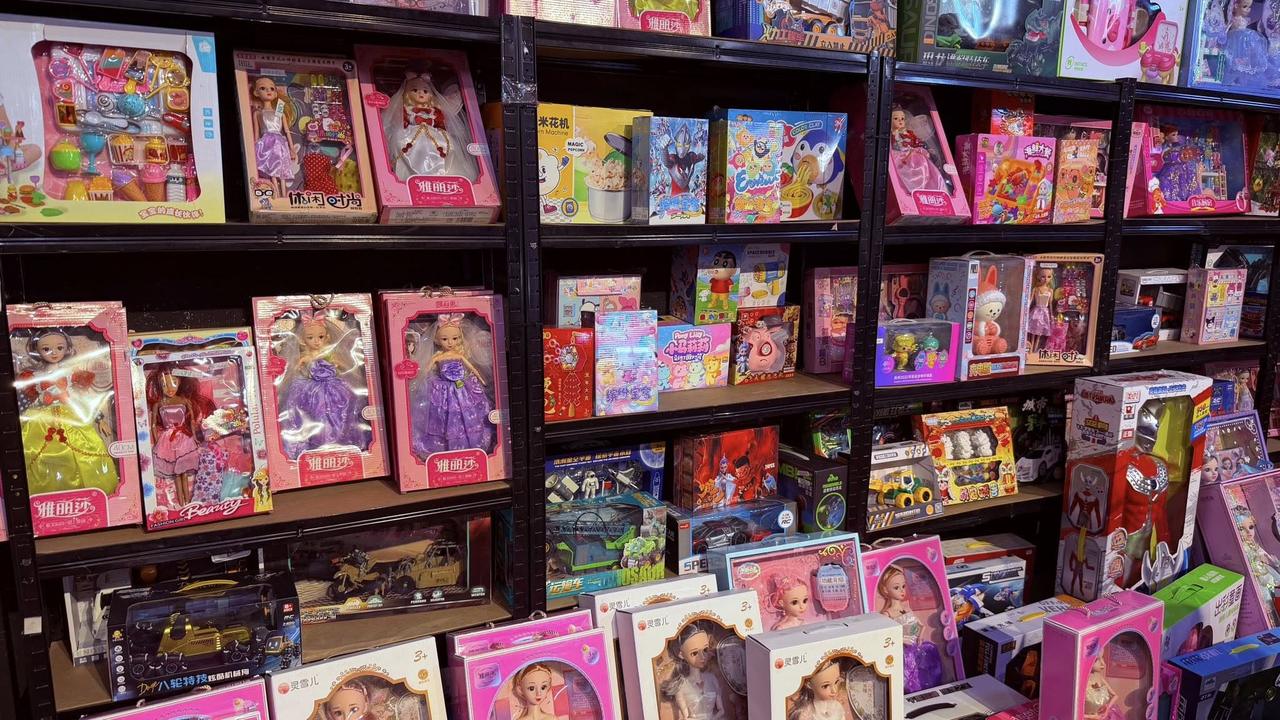
Collectibles is the broadest category. Educational Toys is best for learning-focused buyers. Dress Up & Pretend works for imagination play. Dolls is straightforward for doll shoppers. Electronic Toys is for interactive items, and Boards & Family Games is for group play.
If the customer is not sure, the safest choice is to open the full Shopee shop and browse current listings.
- Collectibles: broad toy discovery
- Educational Toys: learning and activity play
- Dress Up & Pretend: role-play items
- Dolls: doll-focused shopping
- Electronic Toys: interactive toy finds
- Boards & Family Games: shared play
03
Why the website redirects to Shopee
Shopee is the checkout environment, so it holds the freshest product availability, pricing, vouchers, and order protection. The ToyLandia website should act as the branded guide that helps customers understand what to buy and where to click next.
This reduces confusion while keeping the customer on the official buying path.
The website guides the decision. Shopee completes the purchase.
Frequently asked questions
What is ToyLandia's Shopee account?
ToyLandia's Shopee account is toylandia678.
Why should I use category links?
Category links help you filter the shop faster instead of scrolling through every product listing manually.
Next step
Ready to shop ToyLandia?
Open the official ToyLandia Shopee shop for the latest listings, stock, vouchers, and checkout details.
Open ToyLandia Shopee